
Computer Science and Digital Skills at Aurochild
At Aurochild, computer science education is approached with clarity and responsibility.
Technology is an essential tool in modern education, and students must learn not only how to use it, but how to use it thoughtfully, safely, and effectively.
A comprehensive digital education program that develops technical literacy, logical thinking, and responsible digital citizenship.
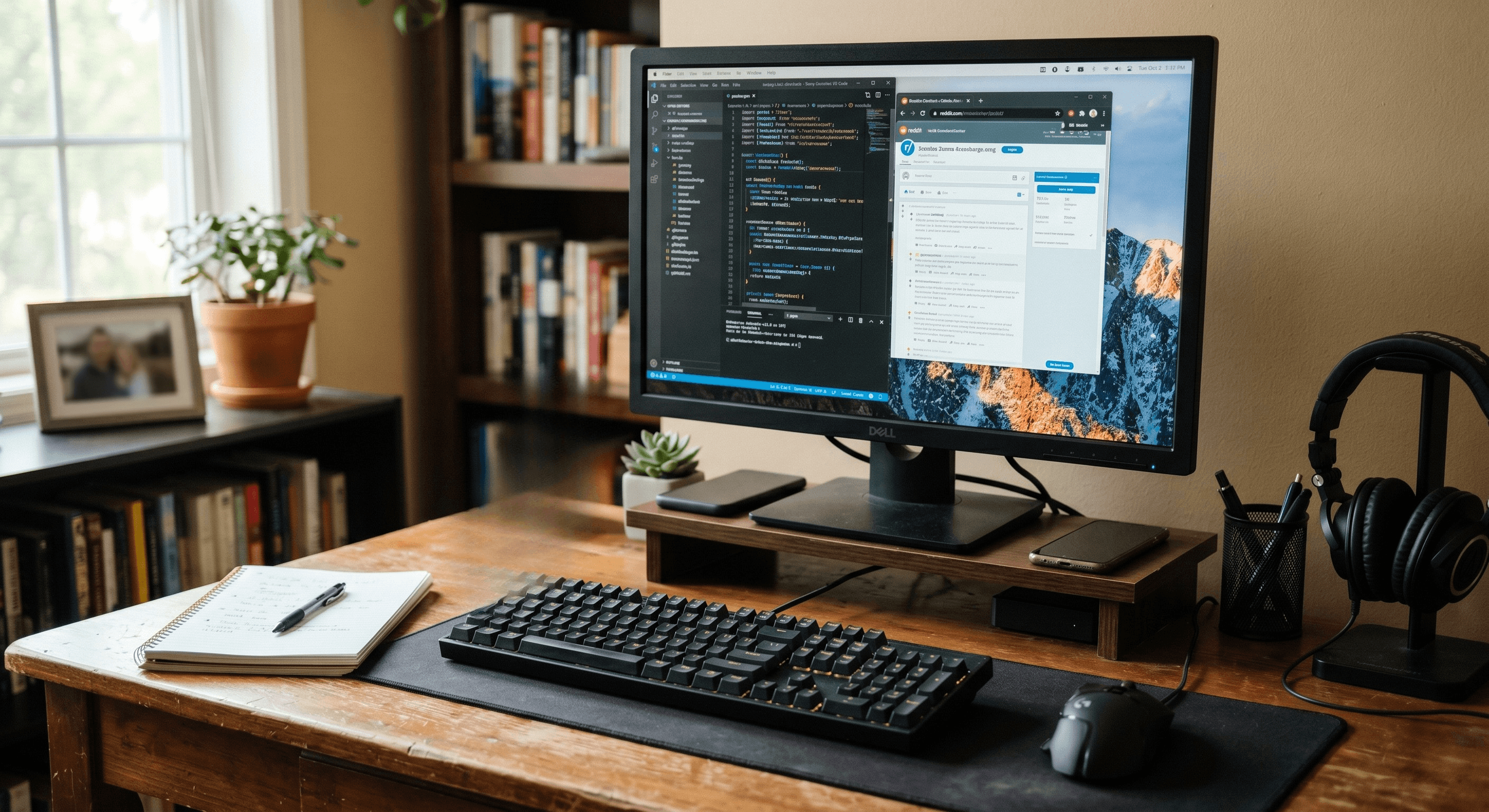 Computer Lab
 Productivity Skills
 Programming
Infrastructure
Our Computer Laboratory
A Structured Environment for Digital Learning
Aurochild provides a dedicated computer laboratory that supports hands-on learning across all grade levels. The lab is designed to help students practise skills systematically under teacher guidance.
The Computer Lab Supports
- Individual access to computers during lab sessions
- Guided instruction and supervised practice
- Hands-on learning aligned with CBSE curriculum
- Skill development through regular usage
- Safe and controlled digital learning environment
Students learn discipline, accuracy, and responsibility while working with technology.
Our Approach
Computer Education at Aurochild
From Basic Skills to Practical Application
Computer education at Aurochild is progressive and age-appropriate. Students are introduced to technology gradually, ensuring confidence before complexity.
Understanding Before Advanced Usage
Build foundational understanding before introducing complex concepts and tools.
Practical Application Over Theory
Focus on hands-on learning and real-world application of digital skills.
Strong Typing and Operational Skills
Develop proficiency in keyboard usage and core computer operations.
Logical Thinking and Problem-Solving
Cultivate computational thinking and structured approach to challenges.
Responsible and Ethical Digital Behavior
Teach safe, respectful, and ethical use of technology and digital resources.
Technology as a Tool for Learning
Use technology to support education, not replace traditional learning methods.
Foundation
Foundational Digital Skills
Building Confidence with Computers
In the early and primary years, students focus on basic computer awareness and skills. This builds comfort and confidence with technology from an early stage.
Parts of Computer and Basic Operations
Learn about computer components, how to turn on/off, and basic navigation.
Keyboard and Mouse Usage
Develop proficiency in using keyboard and mouse for navigation and input.
Typing Skills and Accuracy
Build typing speed and accuracy through regular practice and exercises.
Educational Software Usage
Explore age-appropriate educational software and learning applications.
Drawing and Creative Tools
Use simple drawing and creative software to express ideas visually.
Introduction to Logical Thinking
Develop logical thinking through structured activities and simple puzzles.
Productivity
Productivity and Application Skills
Using Technology for Learning and Communication
As students progress, they are trained to use computers for academic tasks and presentations. These skills prepare students for higher studies and real-world usage.
Productivity Tools
Students learn to use core productivity software for academic tasks, communication, and data organisation.
- Microsoft Word for document creation
- Microsoft Excel for basic data handling
- Microsoft PowerPoint for presentations
- File management and organisation
- Internet research for academic purposes
- Email and basic digital communication etiquette
Programming
Programming and Logical Thinking
Learning How Technology Works
Programming is introduced gradually to develop logical thinking and problem-solving skills. Programming is taught in a structured and accessible manner, suitable for CBSE students.
Programming Fundamentals
Students build a structured understanding of how computers think and execute instructions through guided project-based learning.
- Basics of coding and algorithms
- Introduction to Python programming
- Understanding logic, sequences, and conditions
- Simple program creation and debugging
- Project-based learning for application
Web Development
Web and Digital Creation Basics
Understanding the Digital World
Older students are introduced to the basics of how websites and digital platforms work. This builds awareness of modern digital environments.
HTML Fundamentals
Learn the basic building blocks of web pages and HTML structure.
Web Page Structure
Understand how web pages are organized and structured for display.
Simple Web Page Projects
Create basic web pages through guided projects and exercises.
Responsible Digital Content Creation
Learn to create digital content responsibly and ethically.
Understanding Digital Systems
Gain awareness of how digital platforms and systems function.
Introduction to CSS Styling
Learn basic styling concepts to make web pages visually appealing.
Safety
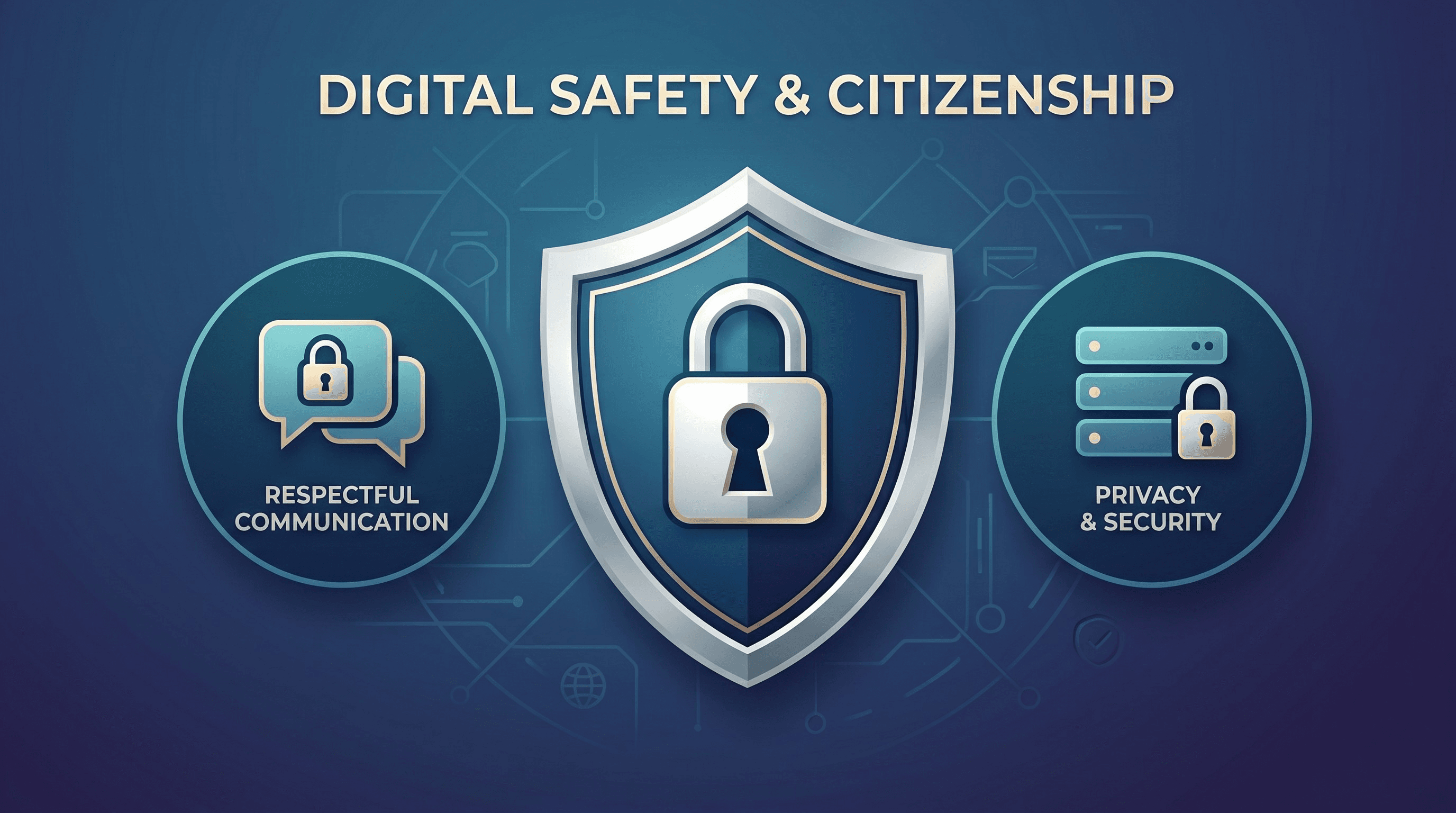
Digital Citizenship and Online Safety
Responsible Use of Technology
Students are guided to use technology ethically and safely. Students learn that technology comes with responsibility.
Key Focus Areas
- Online safety and privacy awareness
- Responsible use of the internet
- Respectful digital communication
- Avoiding misuse of technology
- Understanding digital footprints
- Critical evaluation of online information
Integration
Integration with Academics
Technology as a Learning Tool
Digital skills are reinforced across subjects. Technology supports academics rather than replacing traditional learning.
Students Use Computers To
- Prepare projects and assignments
- Create presentations and reports
- Conduct supervised research
- Organise study materials digitally
- Improve learning efficiency

Student Benefits
What Students Experience
Growth Through Digital Education
Through computer science education, students gain valuable skills that prepare them for higher education and professional environments. Technology becomes a tool they understand and control.
Confidence in Using Computers
Comfortable and proficient with computer operations and digital environments from an early age.
Strong Typing and Operational Skills
Proficient typing and computer operation abilities that support academic work at every level.
Document and Presentation Creation
Ability to create professional documents and presentations
Logical and Structured Thinking
Developed computational thinking and problem-solving
Programming Concepts Introduction
Understanding of coding and programming fundamentals
Digital Safety Awareness
Knowledge of online safety and responsible behavior
Skills for Higher Education
Practical skills useful for advanced studies and exams
Technology Understanding and Control
Understanding how technology works, not just using it
Observable Growth
What Parents Observe
Signs of Digital Competence
Parents often notice positive changes as their children develop digital skills. Digital competence supports academic growth and independence.
- Confident use of computers at home
- Responsible online behaviour
- Improved organisation of academic work
- Interest in learning new digital skills
- Logical approach to problem-solving
- Better presentation and communication skills
"Computer science and digital skills at Aurochild prepare students for higher education, professional environments, and a technology-driven world. By focusing on clarity, discipline, and responsibility, we ensure students are not just users of technology, but thoughtful and capable learners ready for the future."
Take the Next Step
We invite you to explore what Aurochild can offer your child. Connect with us to learn more or schedule a visit to experience our campus firsthand.